Your students and classes, in order.
Each course with its students, attendance for every class, homework and fees, in one place.
Free during early access. Sign in with Google.

What you do from the panel
The screenshots show an example school with made-up data.
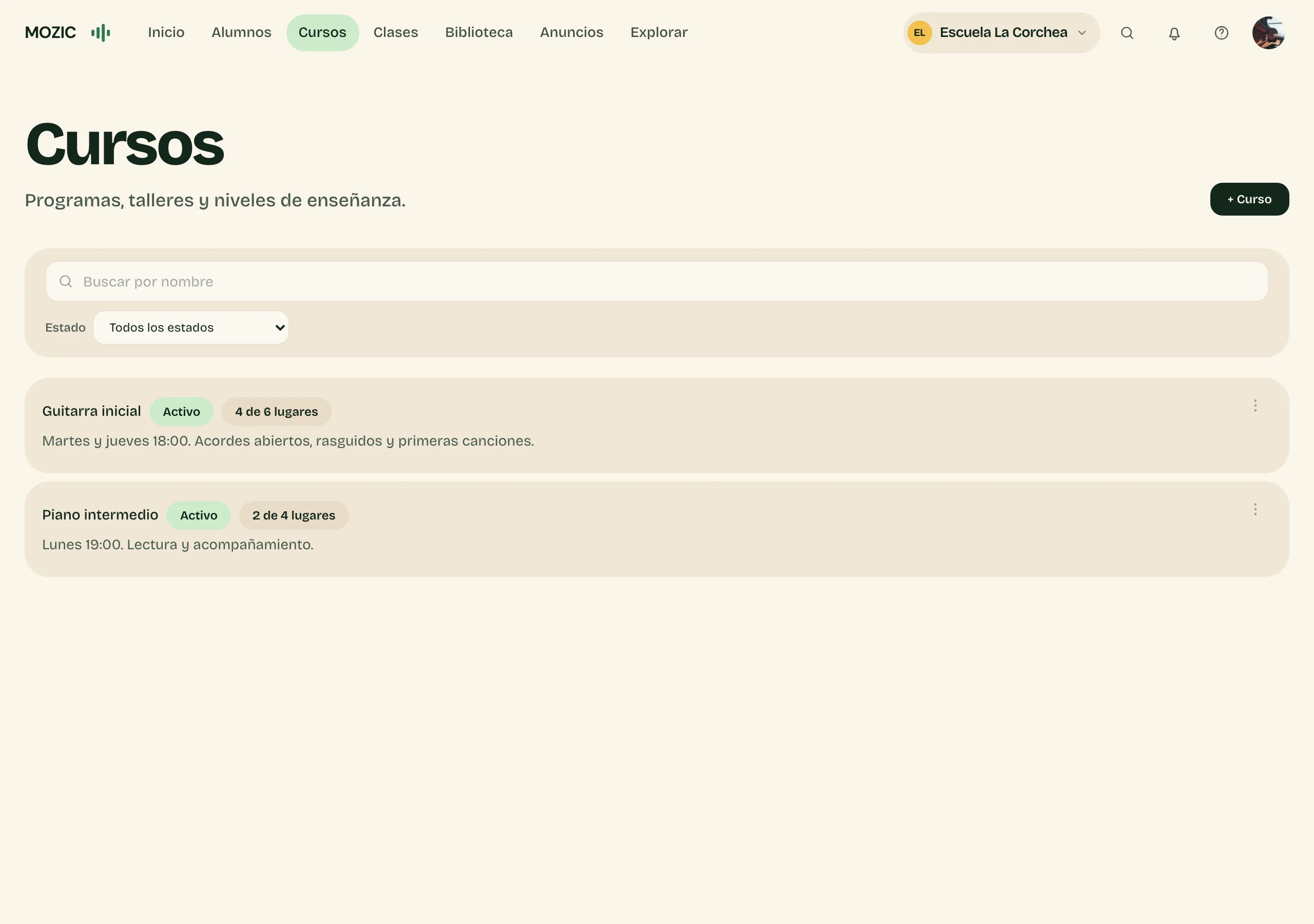
Your courses
Each course with its schedule, description and capacity: see at a glance how many places are left.
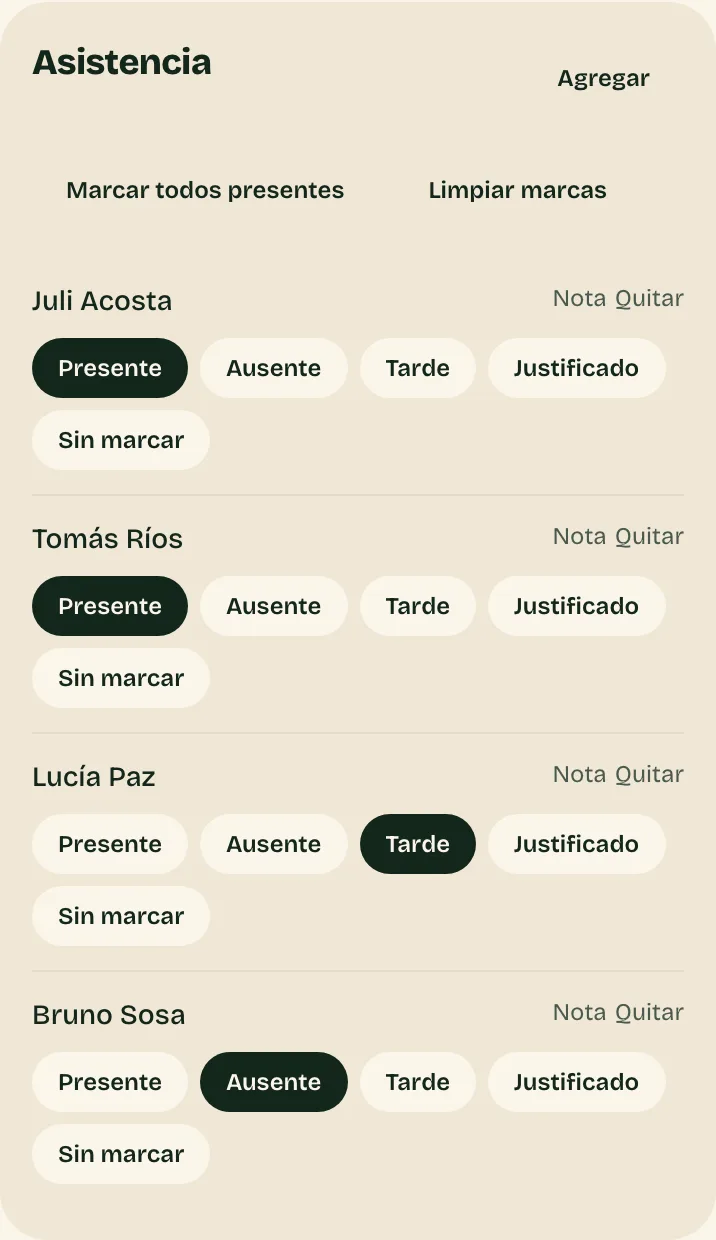
Attendance every class
Mark present, absent, late or excused with one tap, and leave each student their homework.
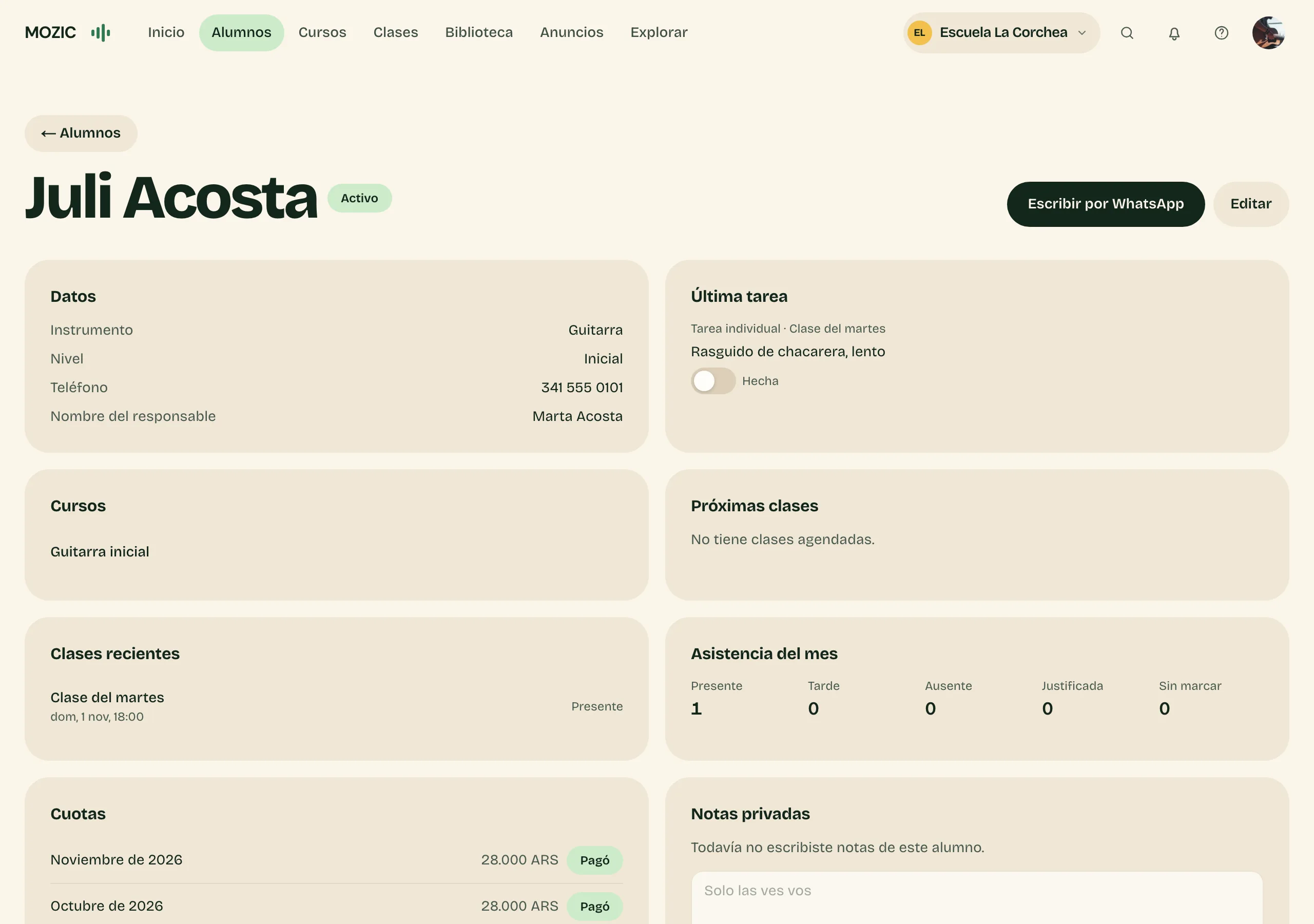
Each student's record
Their details and their guardian's, their courses, last homework, recent classes and fees. Message them on WhatsApp from there.
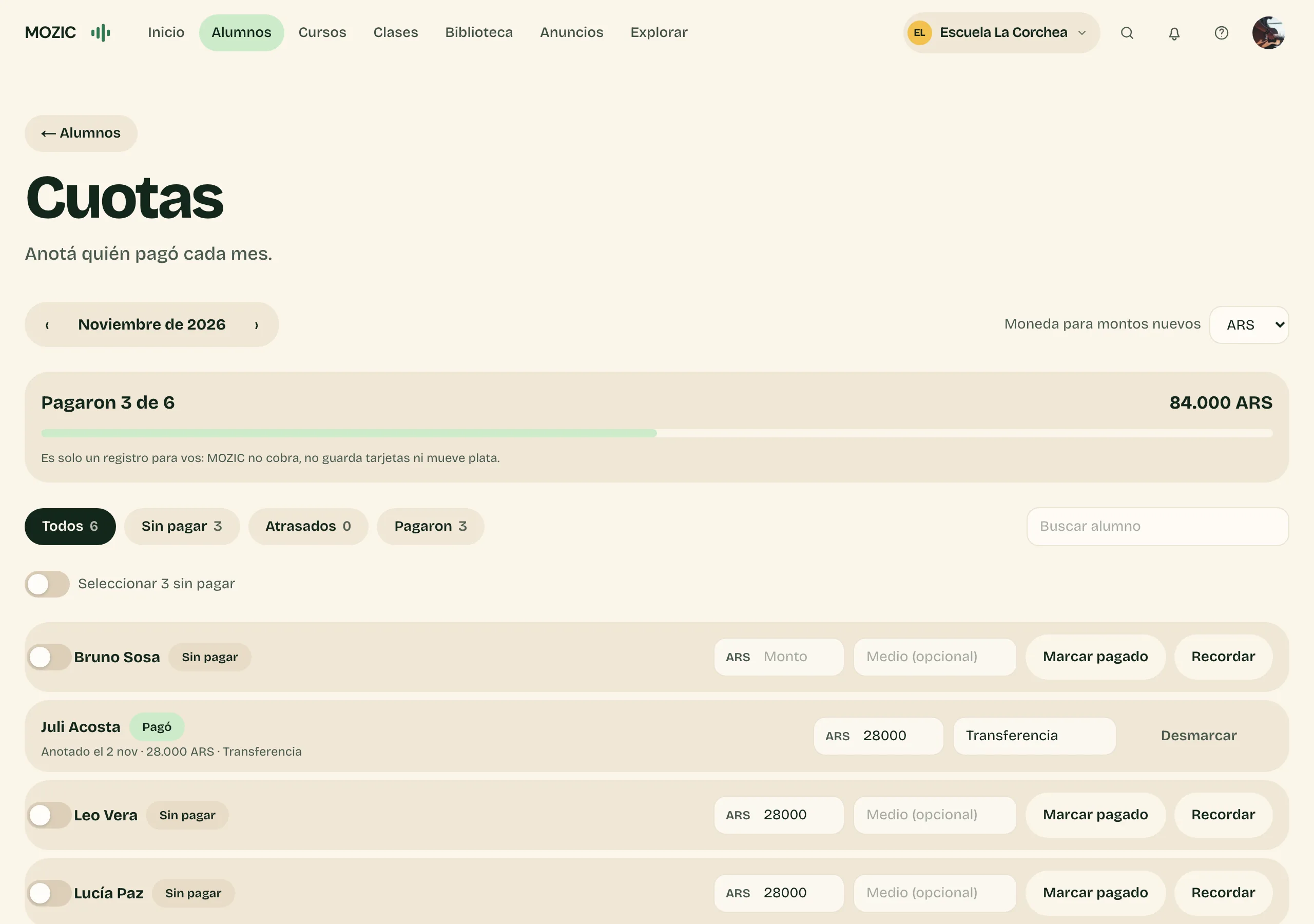
Monthly fees
Who paid and who didn't, what came in this month and a reminder for the rest. It's a record: MOZIC doesn't charge.
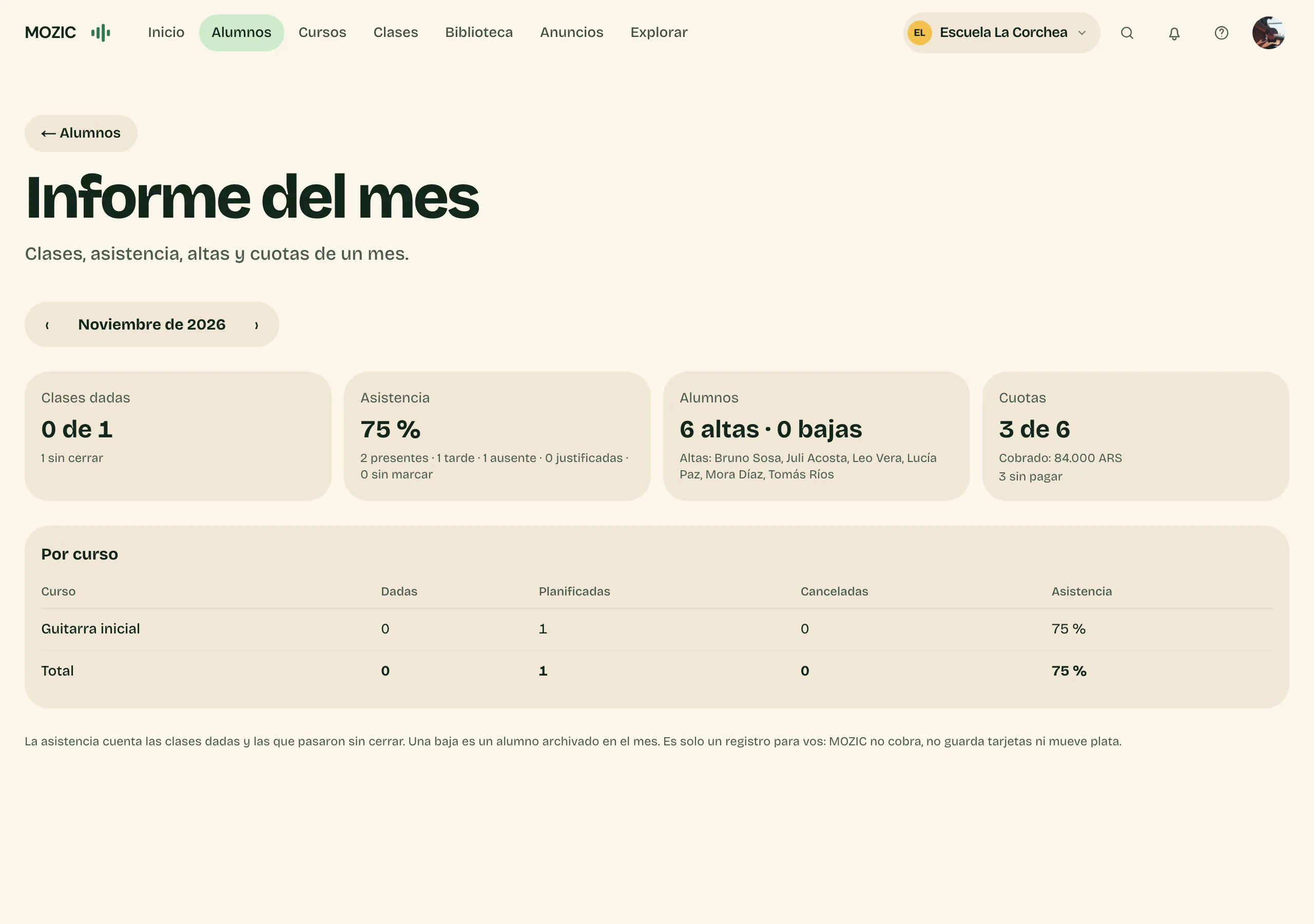
Monthly report
Classes taught, attendance, new and leaving students and fees for each month, on one screen.
How you start
- Create your space and your first course.
- Add your students by hand or import a list.
- Add the week's classes and see the report at the end of the month.

And also
- Makeup classes
- If a student missed a class, schedule the makeup.
- Repeating classes
- Create Tuesday's class once and it repeats every week.
- Locations, rooms and other teachers
- Several locations and rooms, and each teacher sees only their own courses and students.
- Import students
- Paste your list of students and they're added at once.
- Calendar on your phone
- Your classes show up in your phone's calendar with a link.
- Materials
- Files and links you use in your classes, saved once.

Shall we set up your classes?
Create your space with Google and set up your first course. We can help if you prefer.