Your studio, with every session in its place.
Artists see your rooms, pick a free time and send you a request. You approve it, collect the deposit by bank transfer and the schedule stays up to date.
Free during early access. If you prefer, we set it up together.
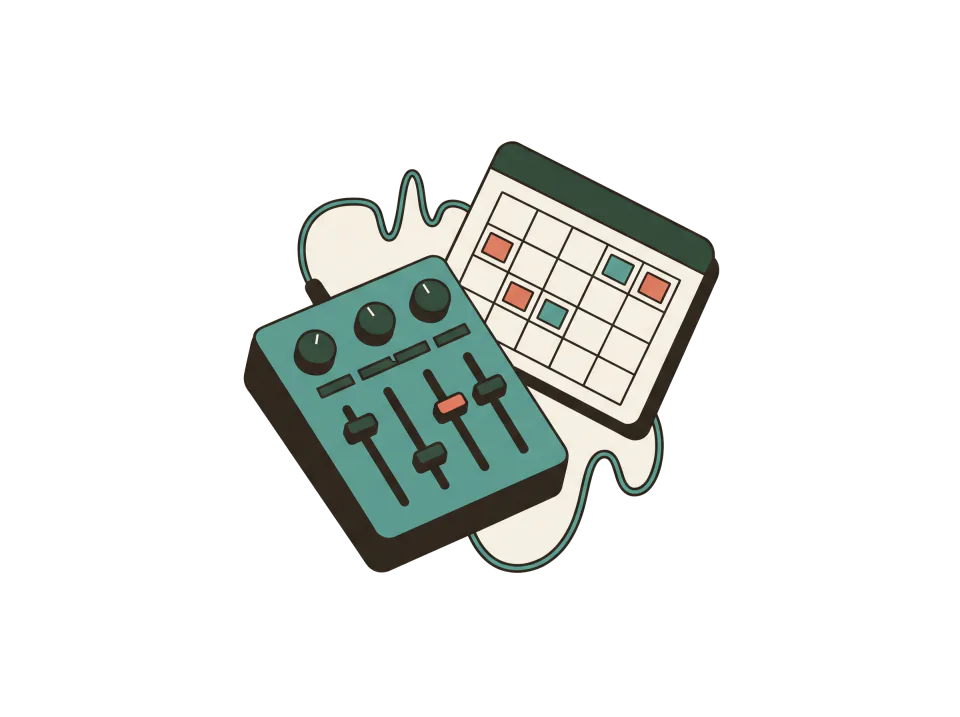
What you do from the panel
- Schedule by room
- Each room with its day and week: which session and when.
- Requests you approve
- Each request stays pending until you accept or decline it.
- Clients
- Each artist keeps their details and their past sessions.
- Deposit by bank transfer
- You choose the percentage. The artist transfers it to your account, uploads the receipt and you accept it.
- Blocks and closures
- Block a time or close a whole day, and it stops showing as free.
- Reminders
- Before each confirmed session, MOZIC reminds the artist.
How a session gets booked
- They open your booking page and pick a room, a day and a free time.
- To send the request they sign in with their Google account. What they picked stays saved while they sign in.
- You confirm and they get notified.

How joining works
- Set up right away
- You create the room with Google and add rooms, hours and rates. If you want, we do it together.
- Deposits after verification
- Bookings open as soon as you create the place. Deposits by bank transfer open once MOZIC verifies it; you ask for that from the settings.
- Free during early access
- You use what already works for free. No card needed.
- Your cancellation policy
- You set how many hours ahead people can cancel and whether a late cancellation keeps the deposit.
- Your data
- A change of terms never deletes your schedule, your clients or your bookings.
Shall we add your studio?
Create the studio with Google in a few minutes. If you prefer, tell us how you take sessions today and we set it up together.